
Calendar
The calendar view is a great way to see all the projects that are currently accepting bids, and when bids are due.
Filtering event type
By default, the calendar shows both bid events and prebid events. You can toggle either of these to focus on just one type of event. Just click on the event type in the legend at the top of the calendar.

Switching view
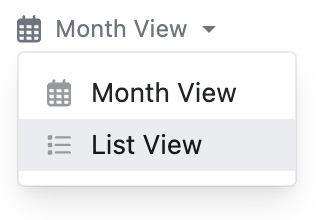
You can view events by month or by list. Just click on the calendar icon at the top of the calendar to pick your preferred view.
Add to your own calendar software
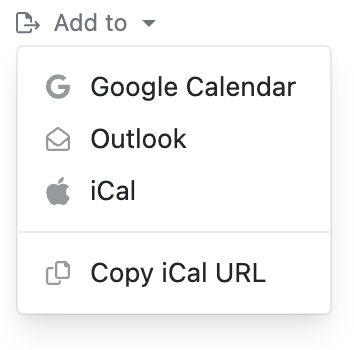
You can add these project events to your own calendar software. Click on "Add to" at the top of the calendar and select an option.
Copyright © 2026 · Powered by ReproConnect